
Turn equipment schedules into field-ready TAB forms
Import HVAC equipment schedules, map the source columns once, and let HvacForms create standardized forms automatically—without rebuilding every form by hand.
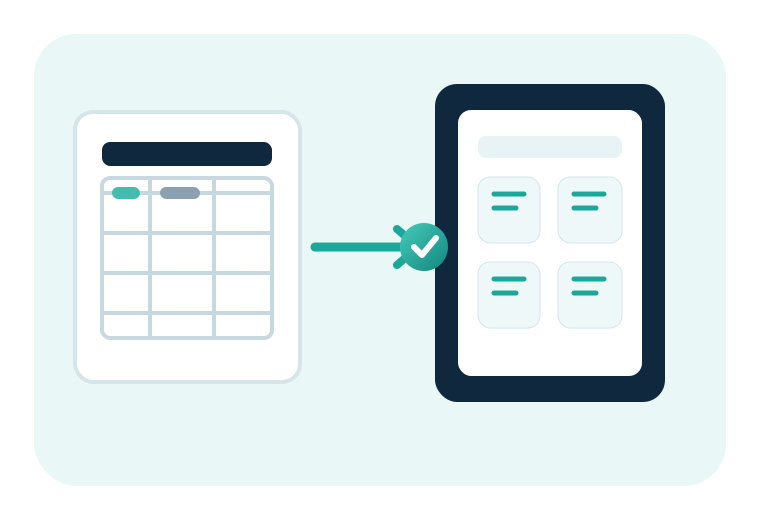
Seamlessly generate forms by importing equipment schedules
Use project schedules as the starting point for repeatable form creation. HvacForms separates source-column mapping from final report generation so the same workflow can be reused across projects.
Import the schedule
Start with equipment schedules exported from spreadsheets and .csv files.
Map the fields
Match schedule columns to report fields such as tag, system, design airflow, motor data, pump flow, and equipment location.
Create forms
Generate standardized forms for each scheduled asset, ready for field entry, review, and reporting.

Keep working when the connection does not
Generated forms can be prepared before the technician enters the field. The workflow is designed around offline-capable data entry, local saving, and later synchronization when a connection becomes available.
Generate the reports your project needs
HvacForms supports a broad set of airside, hydronic, ventilation, duct-traverse, and indoor-environment report types.
Airside systems
- Fan Test Reports
- Outlet Air Balance Reports
- Terminal Box Test Reports
- Economizer Outdoor Air Test Reports
- Air Systems Recap
Hydronic systems
- Hydronic Pump Test Reports
- Water Balance Pressure Reports
- Water Balance Thermal Reports
- Chiller Test Reports
Duct traverse reports
- Rectangular Duct Traverse Reports
- Small Round Duct Traverse Reports
- Large Round Duct Traverse Reports
Ventilation and environment
- Building Ventilation Pressure Reports
- Indoor Air Quality Reports